


Servicios Integrales
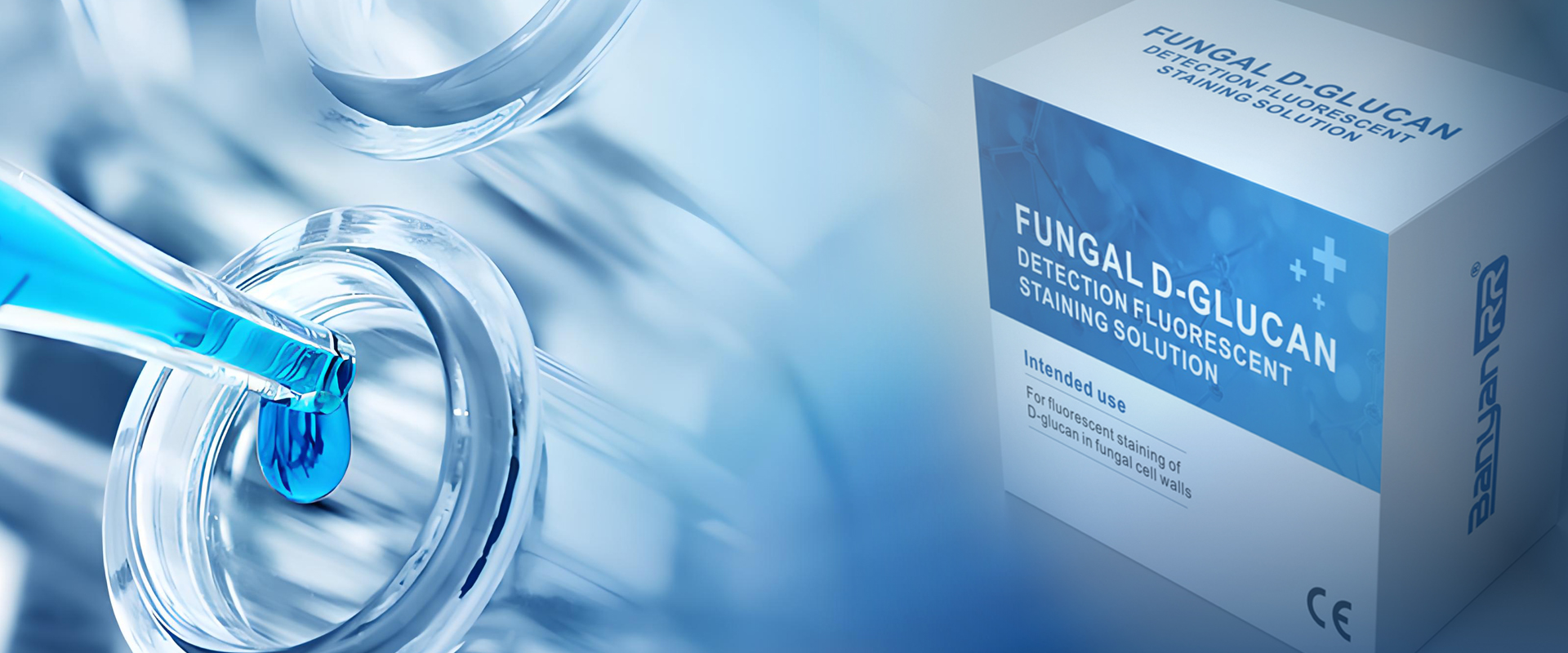
First, take out a bottle of staining solution and set it aside.
Next, take a clean glass slide and a sample.
The sample used this time is a pre-prepared Candida strain.
Evenly and thinly spread the sample in the center of the slide.
Take out the staining solution and add a drop to the center of the sample,
allowing the staining solution to soak the sample.
Then, we take a clean coverslip and,
along the edge of the liquid,
slowly place it on the specimen at a 45-degree angle and set it aside.
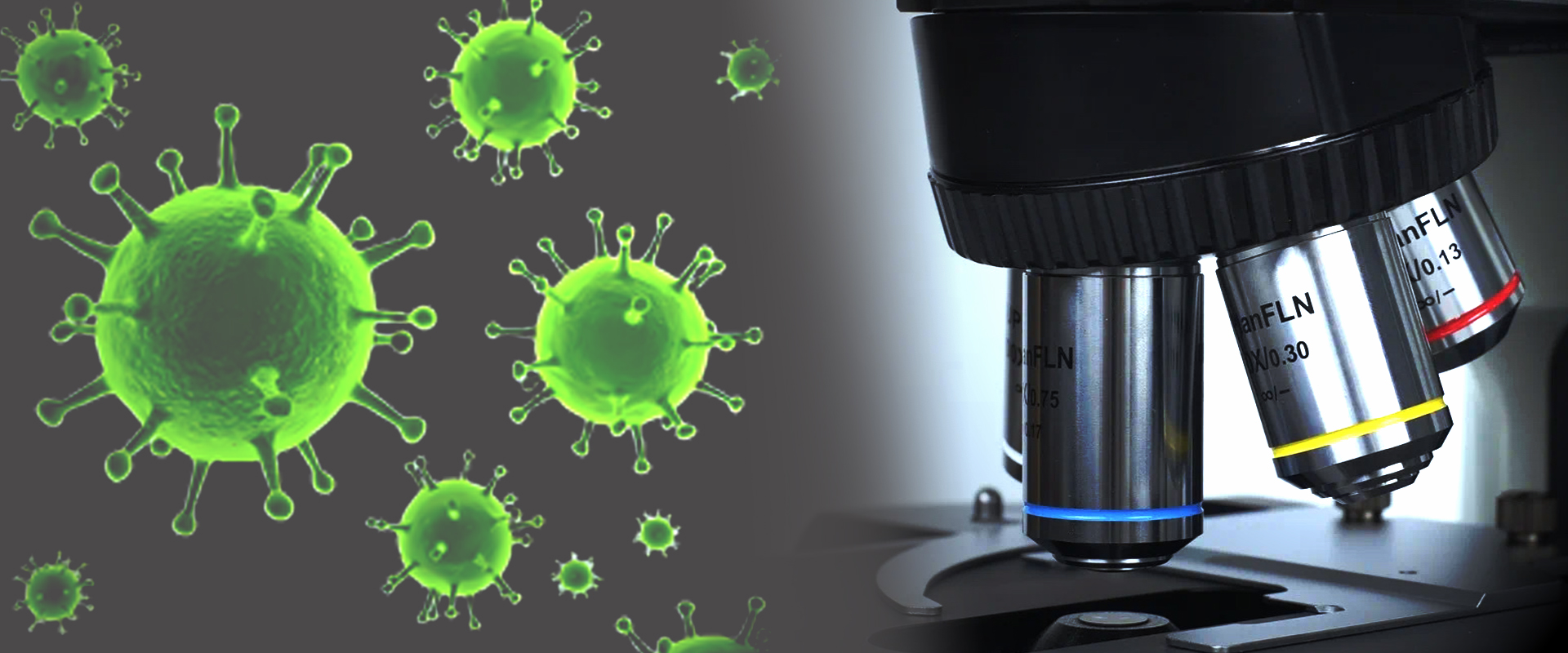
First, turn on the power to the fluorescence microscope
and open the operating software.
Enter the password and click OK.
Fix the prepared sample on the stage,
pull the lever to select the UV band.
Rotate the knob to turn on the fluorescence power and adjust it to a suitable size,
and select an appropriate magnification objective lens.
We usually use a 400x objective lens.
Adjust the stage knob to align the stained area with the objective lens.
Adjust the coarse adjustment knob to bring the objective lens close to the slide.
Simultaneously, observe the field of view on the computer.
When a bright area appears in the field of view,
Switch to the fine adjustment knob to adjust the sharpness
until the image in the field of view is clear.
Then Fine-tune the stage knob, select a suitable field of view,
and you can observe the complete specimen.
Then create a new report and click "Capture Image."
This will give you a complete fungal fluorescence report.